Vimeo Enterprise
With the «Vimeo Enterprise» app, you bring videos from your own Vimeo account onto the screens. You sign in once with Vimeo and select the video directly from your video library.
Purpose
Ideal for internal communication, office displays, showrooms and Digital Signage: you don't have to copy any links, the app lists your Vimeo videos automatically, including private videos from your account.
Requirements
- An active revolutionSCREEN account with access to my.rstv.app.
- A Vimeo account with the desired videos and the login credentials for it.
- At least one configured Screen.
Installing the app
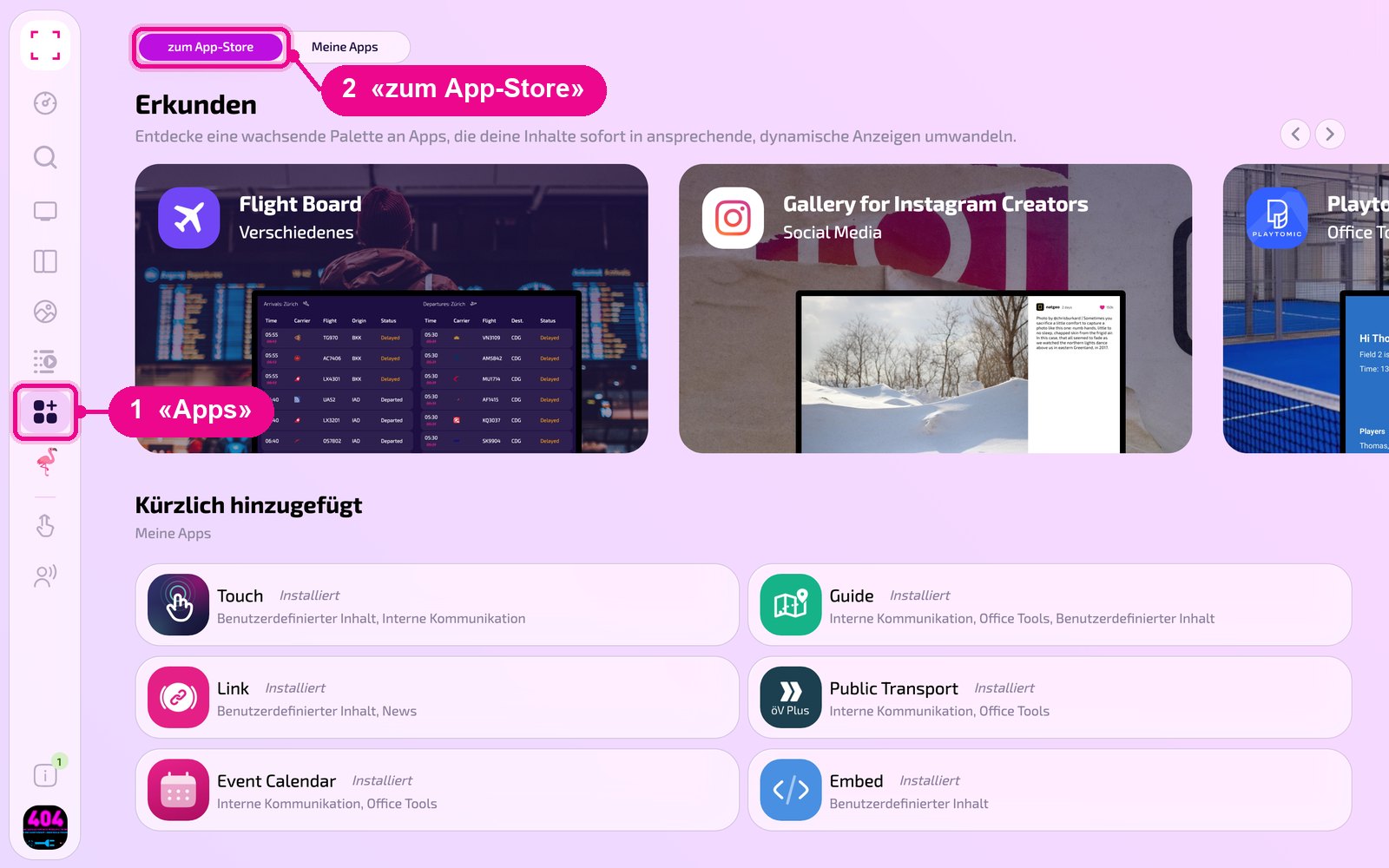
In the sidebar on the left, click «Apps» and then «zum App-Store» (to the app store) at the top.
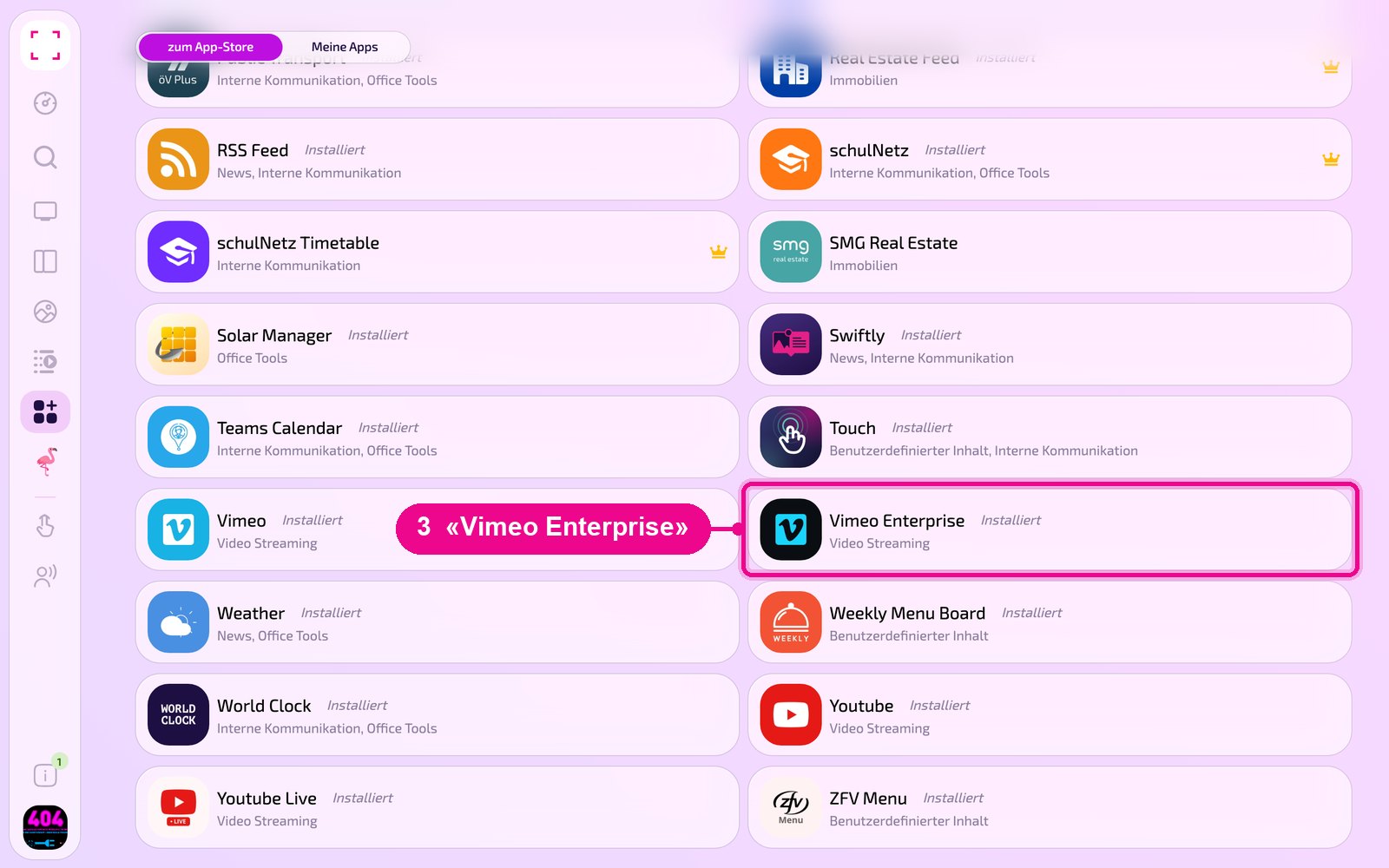
Scroll to the «Alle» (all) list and click the «Vimeo Enterprise» tile. Use the category buttons to narrow down the list.
The app's detail view opens. If it isn't installed yet, first click «Installiere» (install). Then click «Neue Instanz» (new instance). «App Guide» opens a quick guide.
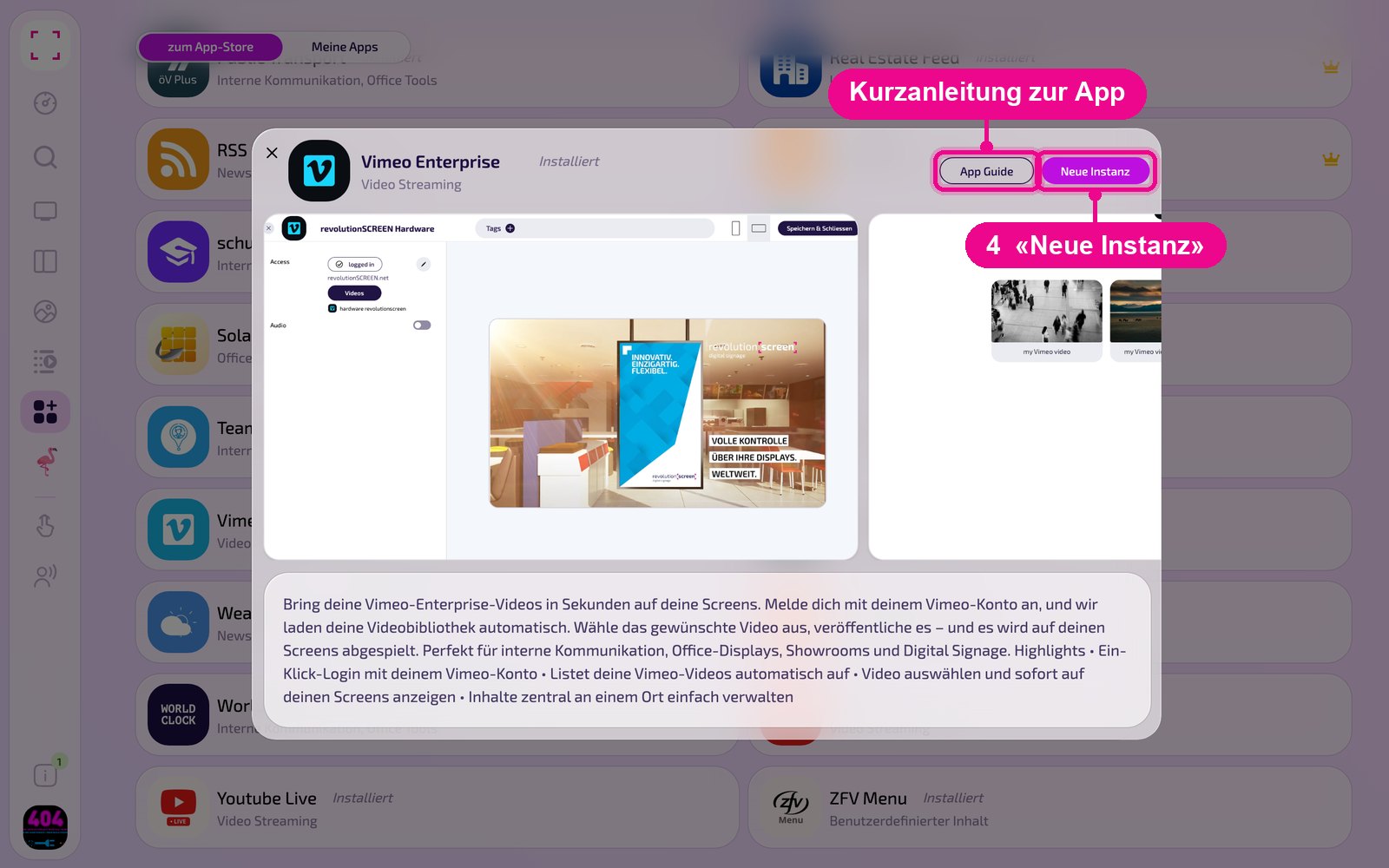
An instance is a separate configuration of the app, e.g. one gallery for the reception and another for the canteen. You can create as many instances as you like and use each one individually on Screens, in Playlists or Layouts.
Creating a new instance
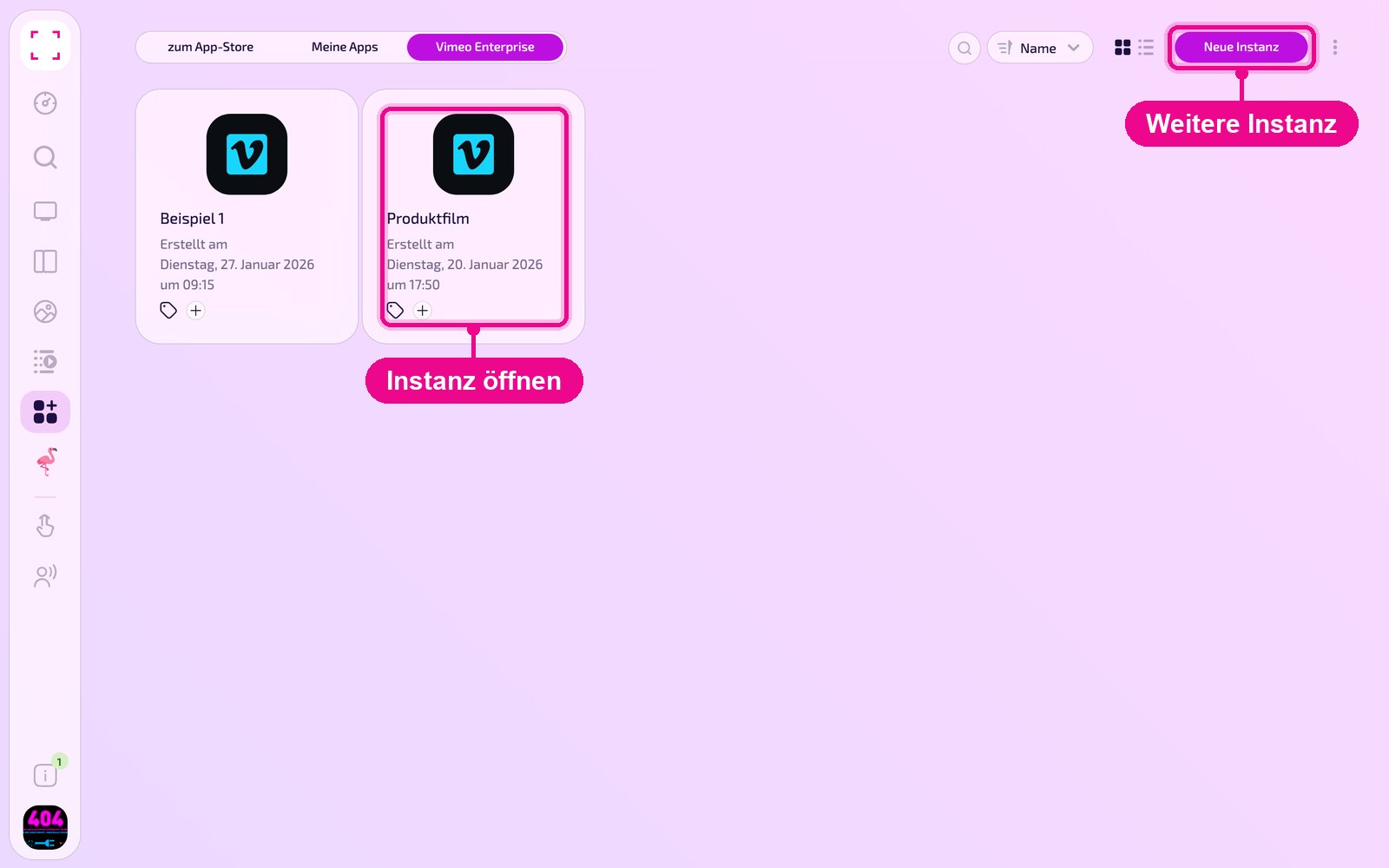
Under «Apps › Meine Apps» (my apps) you see all instances of the app as tiles. With «Neue Instanz» (new instance) at the top right you create another one, and by clicking a tile you open an existing one.
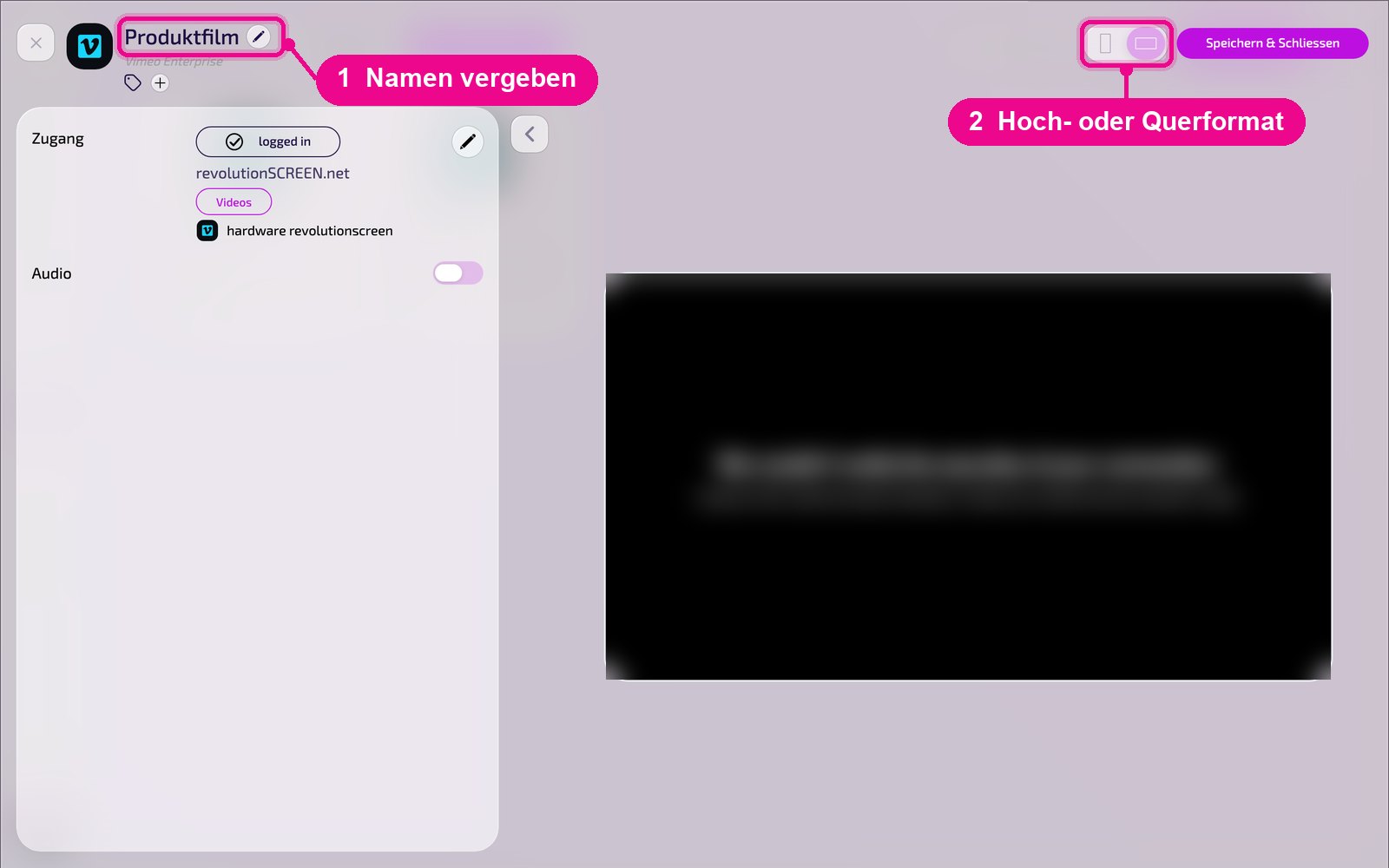
In the editor, hover over the title and click the pencil to give the instance a name. A new instance shows «Kein Name angegeben» (no name specified) in red until then. At the top right you choose whether the preview appears in portrait or landscape format.
Connecting your Vimeo account
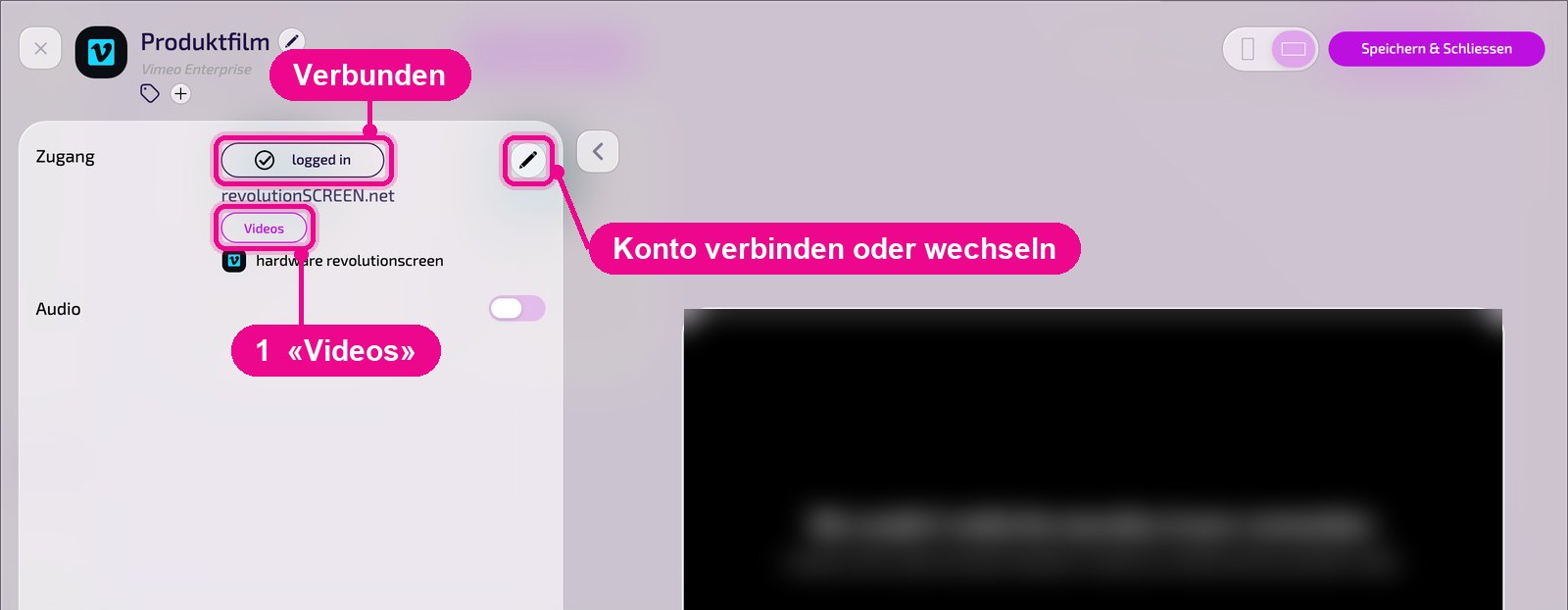
In the «Zugang» (access) section you see whether the instance is connected to Vimeo. If it says «logged in», the connection is active, and below it you see the account name and the selected video. Use the pencil on the right to connect an account or switch it.
In the «Deine Konten» (your accounts) window, select an already connected account and click «Continue to Videos». You connect a new account with «Sign in with Vimeo»: you sign in to Vimeo and allow access.
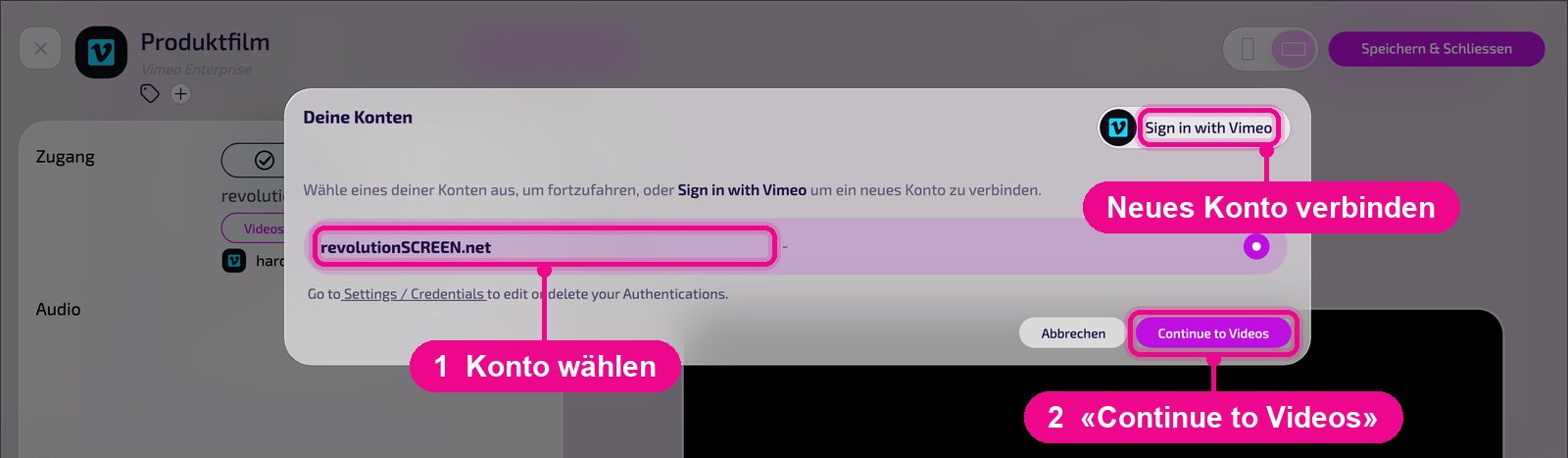
You edit or delete connected accounts under «Settings / Credentials». The link is right there in the «Deine Konten» (your accounts) window.
Selecting a video
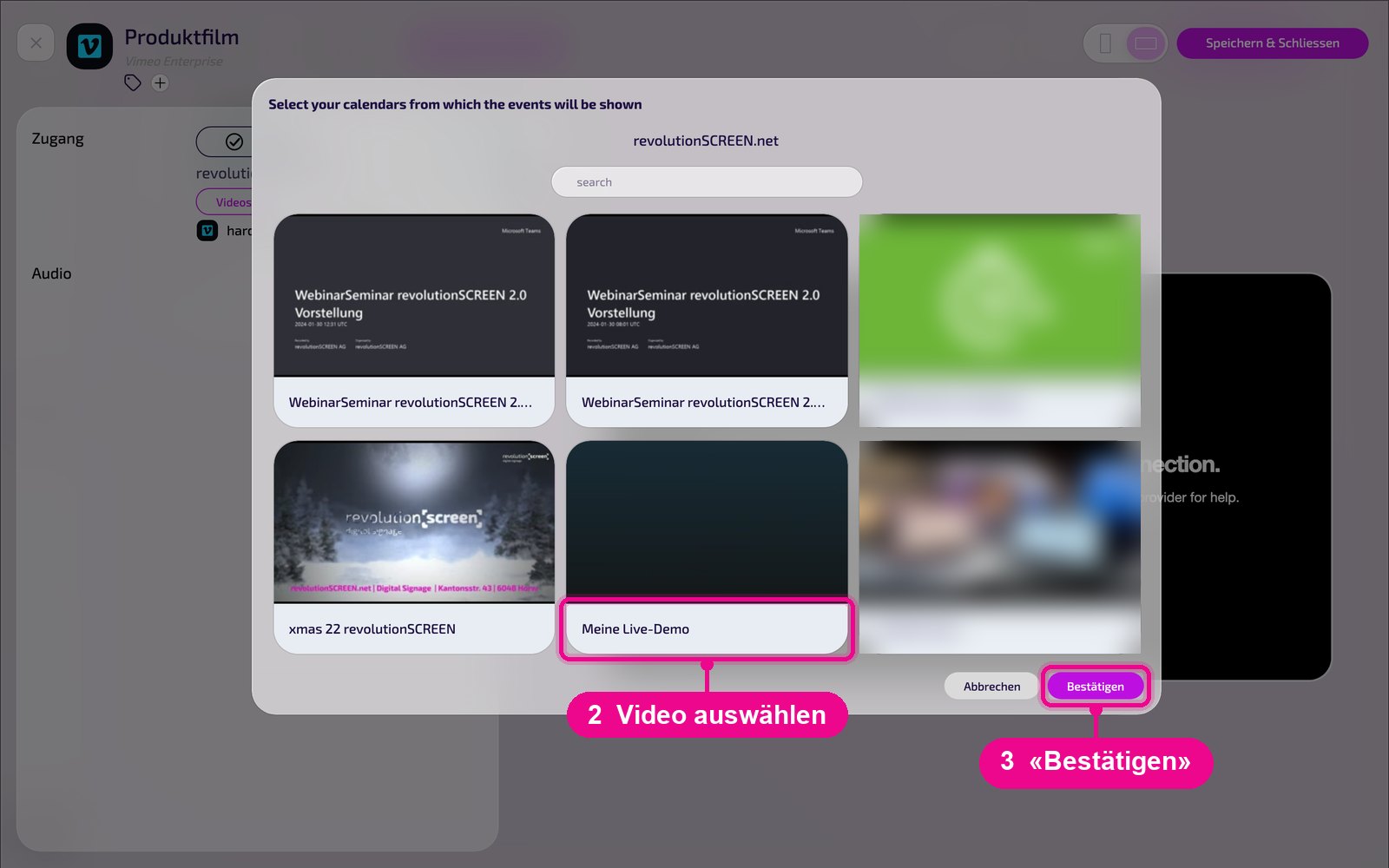
In the «Zugang» (access) section, click «Videos». The video library of the connected account opens. Use «search» to find a video faster. Select the desired video and click «Bestätigen» (confirm).
Configuration in detail
On the left are all settings, on the right you immediately see in the live preview how the instance looks on the Screen. Use the arrow next to the card to collapse the settings.
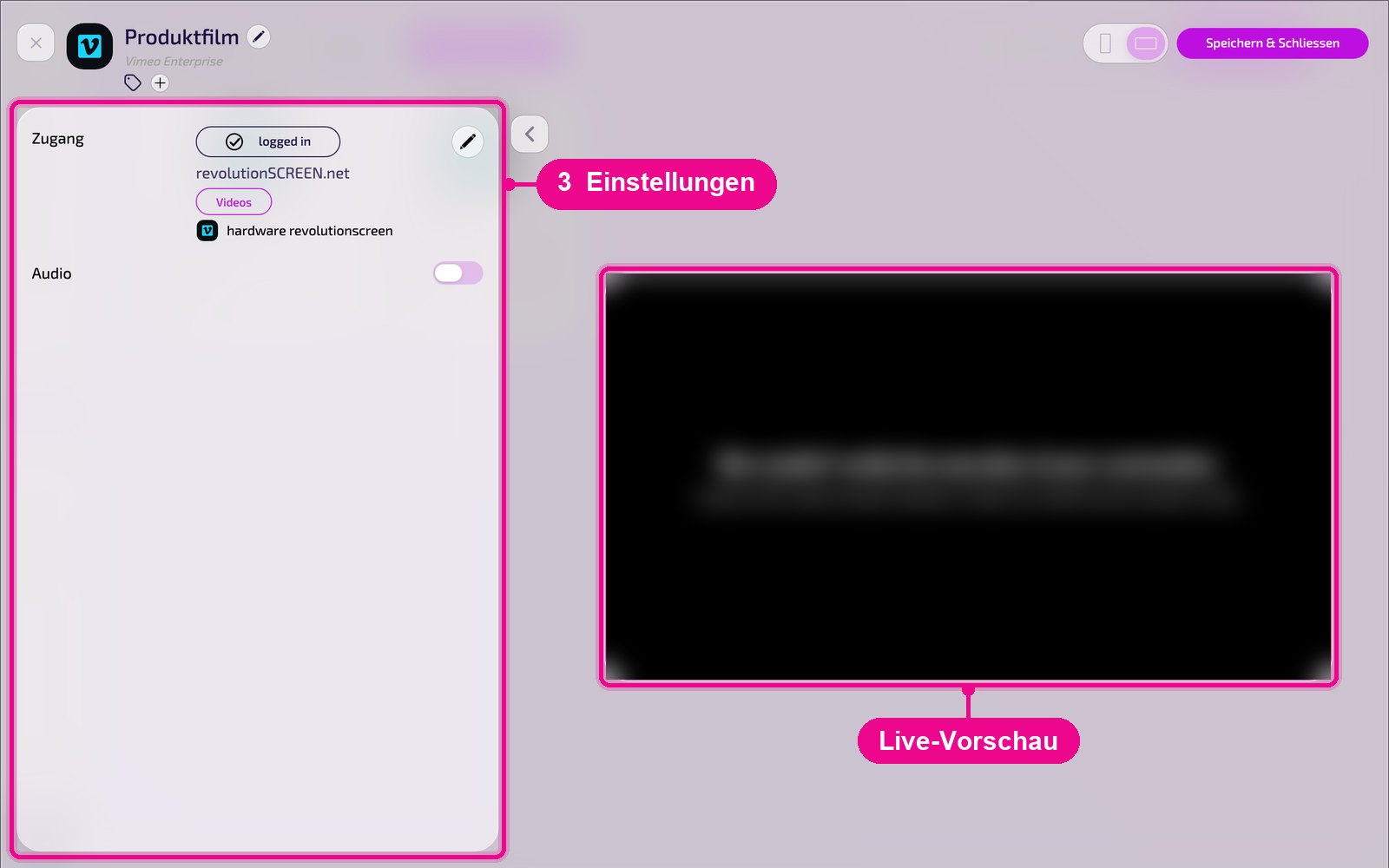
- Access: connection status («logged in»), the connected Vimeo account, the «Videos» button for selection and the chosen video. Use the pencil to connect or switch the account.
- Audio: turn sound on or off.
Saving & playing out on the Screen
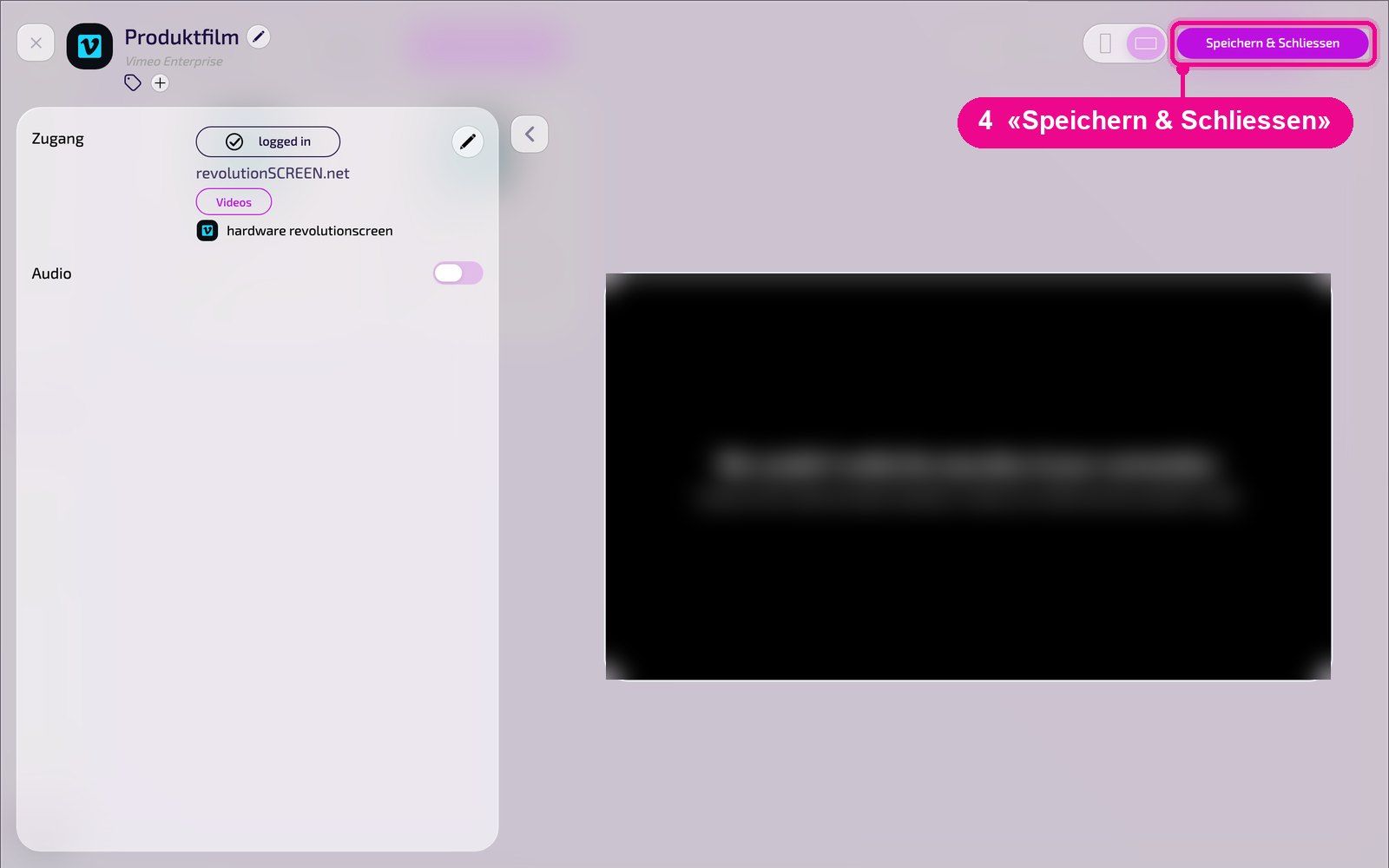
Save the instance at the top right with «Speichern & Schliessen» (save & close).
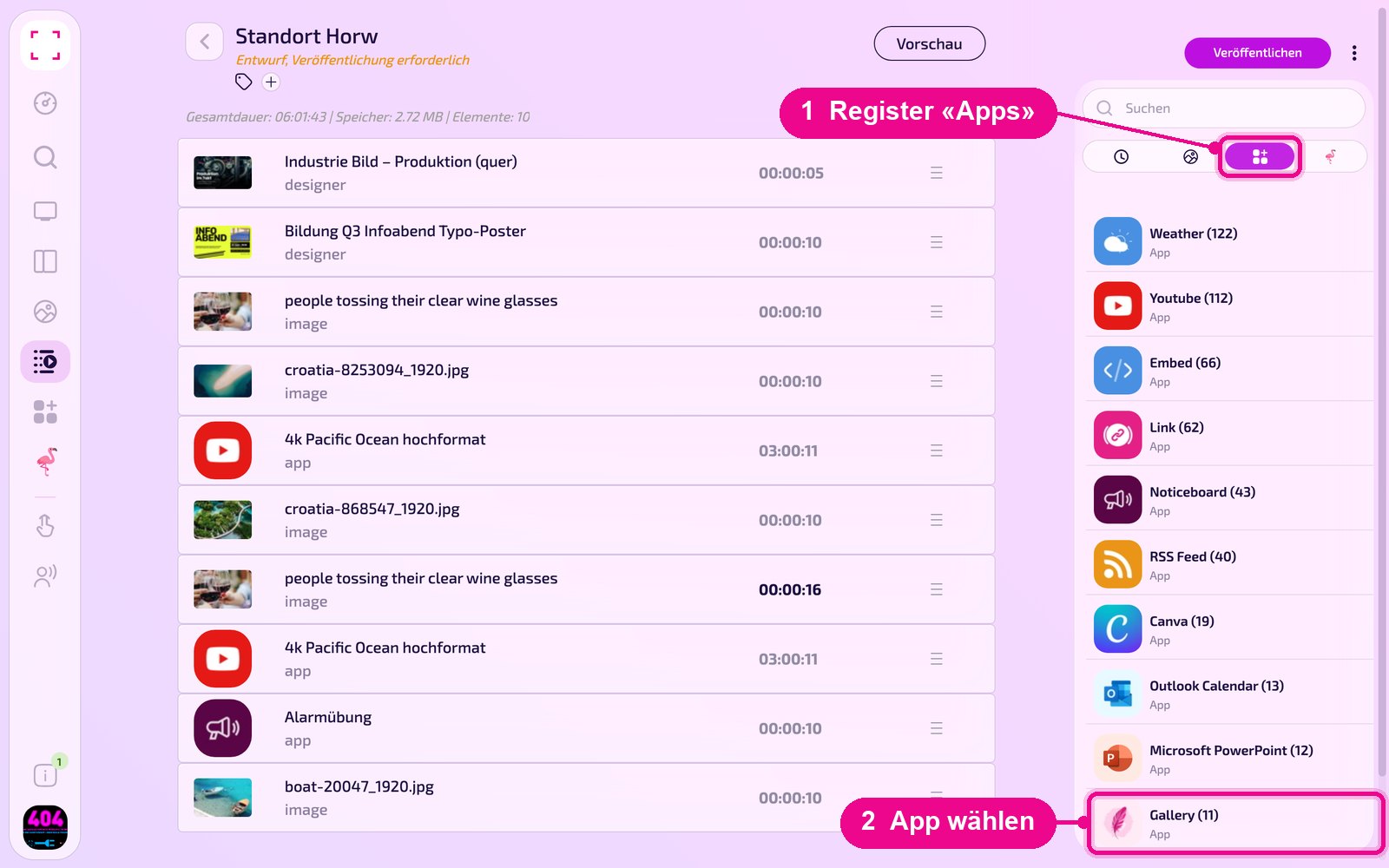
Adding to a Playlist: open the Playlist, select the «Apps» tab on the right, click the app and then the instance. The instance is added immediately.
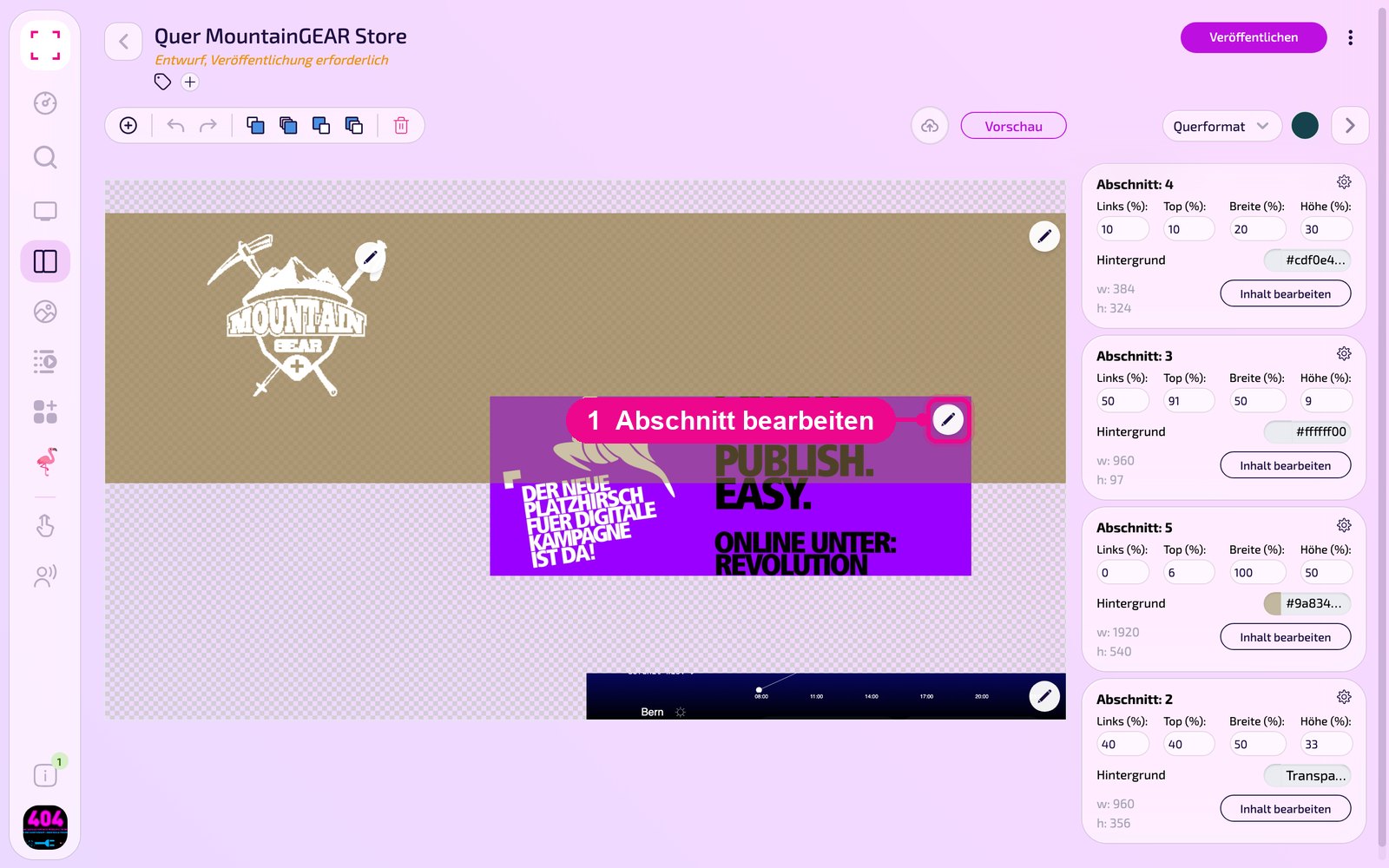
Adding to a Layout: open the Layout and click the pencil on the desired section.
In the «Inhalt für Abschnitt bearbeiten» (edit content for section) window, use «Inhalt hinzufügen» (add content) to add the instance. On the right of each element, use «Täglich» (daily) to set the schedule.
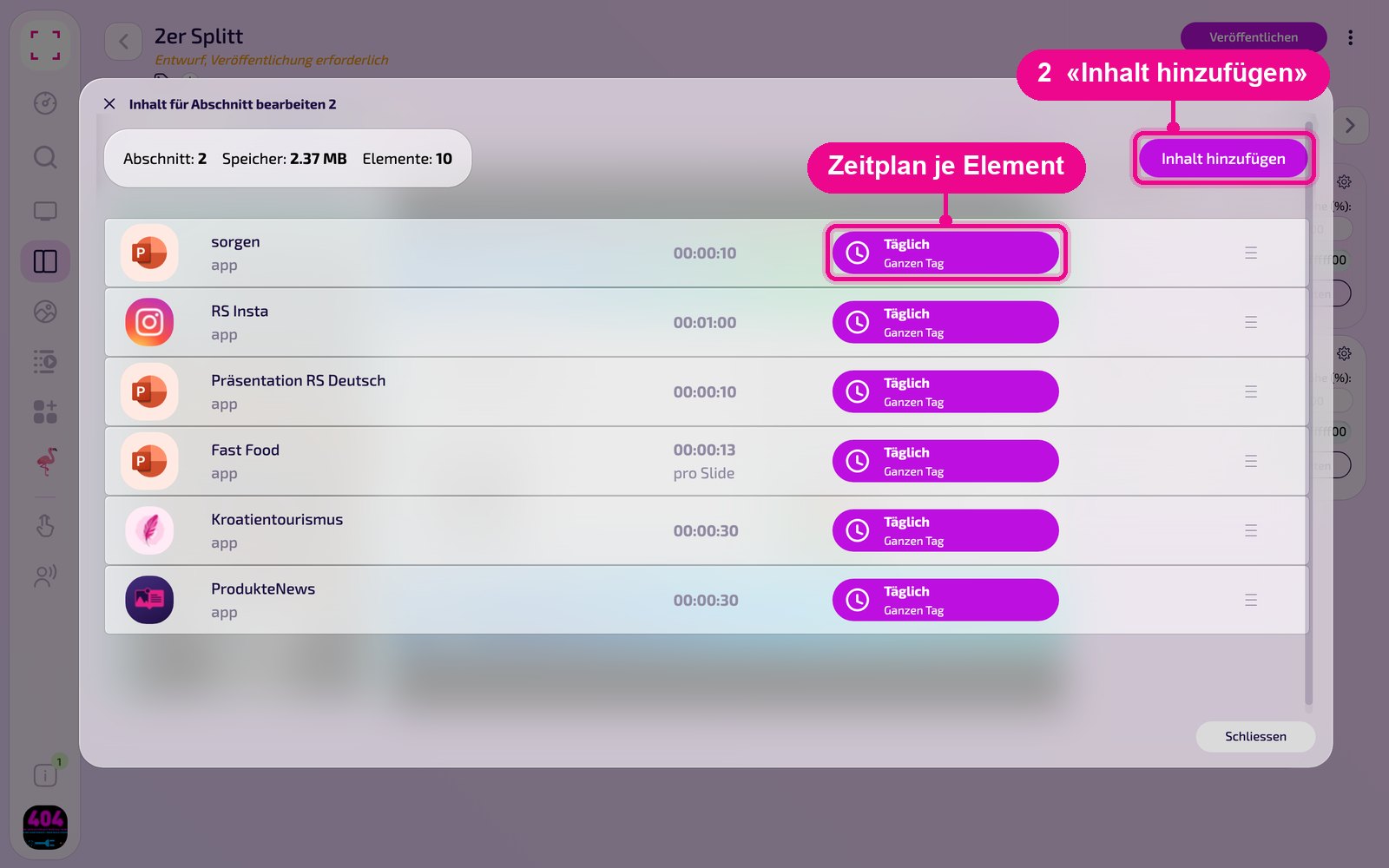
Then click «Veröffentlichen» (publish) in the Playlist or Layout. As long as it says «Entwurf, Veröffentlichung erforderlich» (draft, publication required), the Screen still shows the old state.
Tips & troubleshooting
No videos in the list
Check whether «logged in» is shown under «Zugang» (access) and the correct Vimeo account is connected. Otherwise reconnect using the pencil.
Wrong video
Select a different video via «Videos», apply it with «Bestätigen» (confirm) and save the instance.
No sound
Turn «Audio» on and check the volume on the device.
Public videos via link
For individual public videos without an account connection, the «Vimeo» app is enough.
Content does not appear
Check whether the Playlist or Layout is published and assigned to the correct Screen, and that the Player is online.