Dashboard
The Dashboard is the home page of my.rstv.app. It shows you at a glance how many screens are online, how much storage you're using, and when the next billing is due. Plus, it offers tips, new apps, your companies, and your latest support requests.
After logging in, you land directly on the Dashboard. From anywhere else: sidebar on the left, top icon «Dashboard».
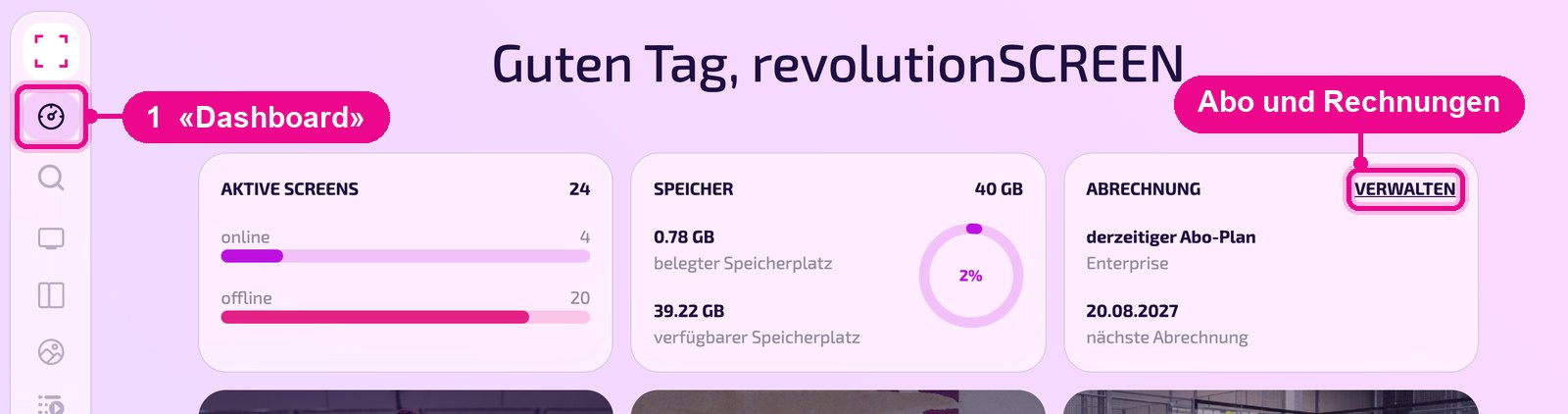
Key figures at a glance
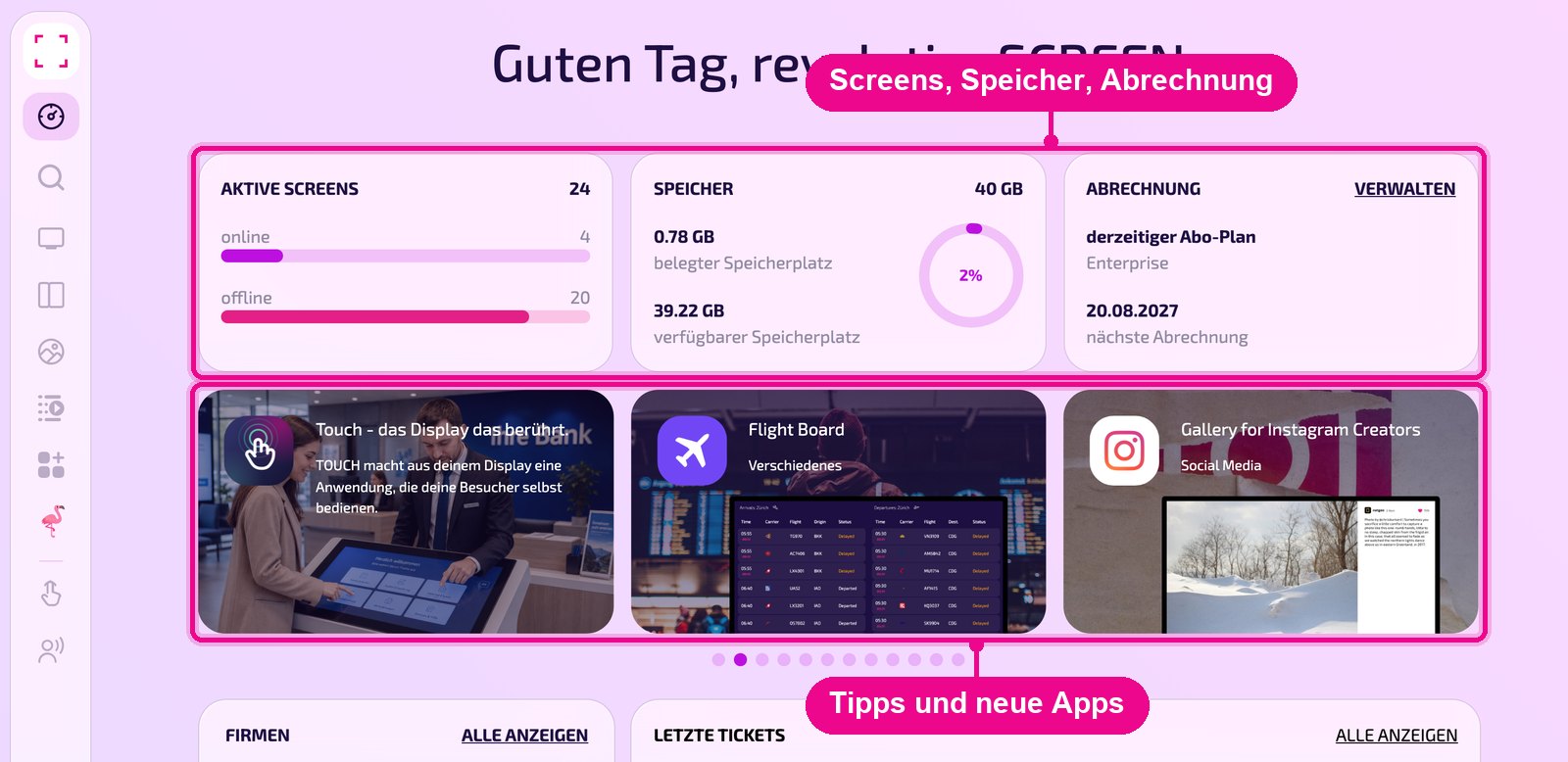
The three tiles at the top summarize your account:
- Active screens: number of your screens, split into «online» and «offline».
- Storage: used and available storage space; the ring shows usage as a percentage.
- Billing: your current subscription plan and the date of the next billing. With «Verwalten» (Manage) you open the billing in the account settings.
Open «Screens» and check there which displays have no connection. Common causes are a switched-off device or a network problem.
Tips and new apps
The carousel below the tiles presents guides and apps, e.g. how to connect a new display or what TOUCH can do. Use the dots below to browse further. You'll find all apps in the App-Store.
Companies and support requests
At the bottom left, the «Firmen» (Companies) tile lists the companies you have access to. The dot on the right shows which one is currently active. «Alle anzeigen» (Show all) opens the full list. The tile only appears if your user is assigned to multiple companies.
To the right, «Letzte Tickets» (Latest tickets) shows your most recent support requests. As long as there are none, it displays «Keine Tickets» (No tickets).
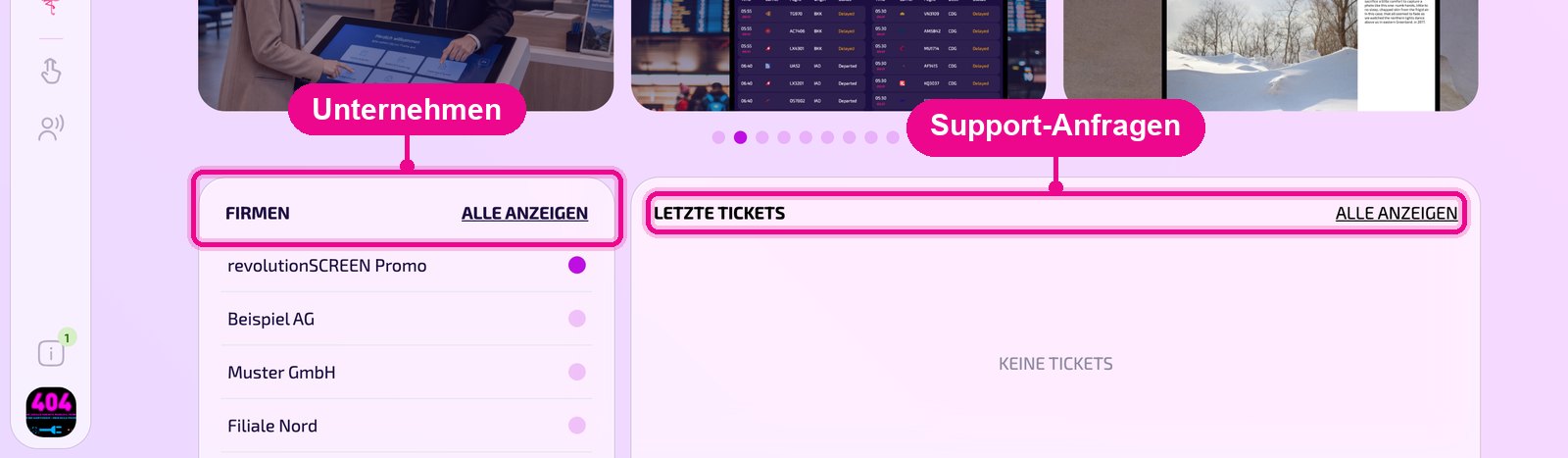
Everything you see and edit in my.rstv.app belongs to the active company. So before making changes, check which company is highlighted in the «Firmen» (Companies) tile.